 Maia Nanny
 BabyCare Buddy
Say it as you go. Keep the care details.
Clip it on to record care observations and handovers. Transfer audio to the Caregiver App, then review the extracted notes before saving.
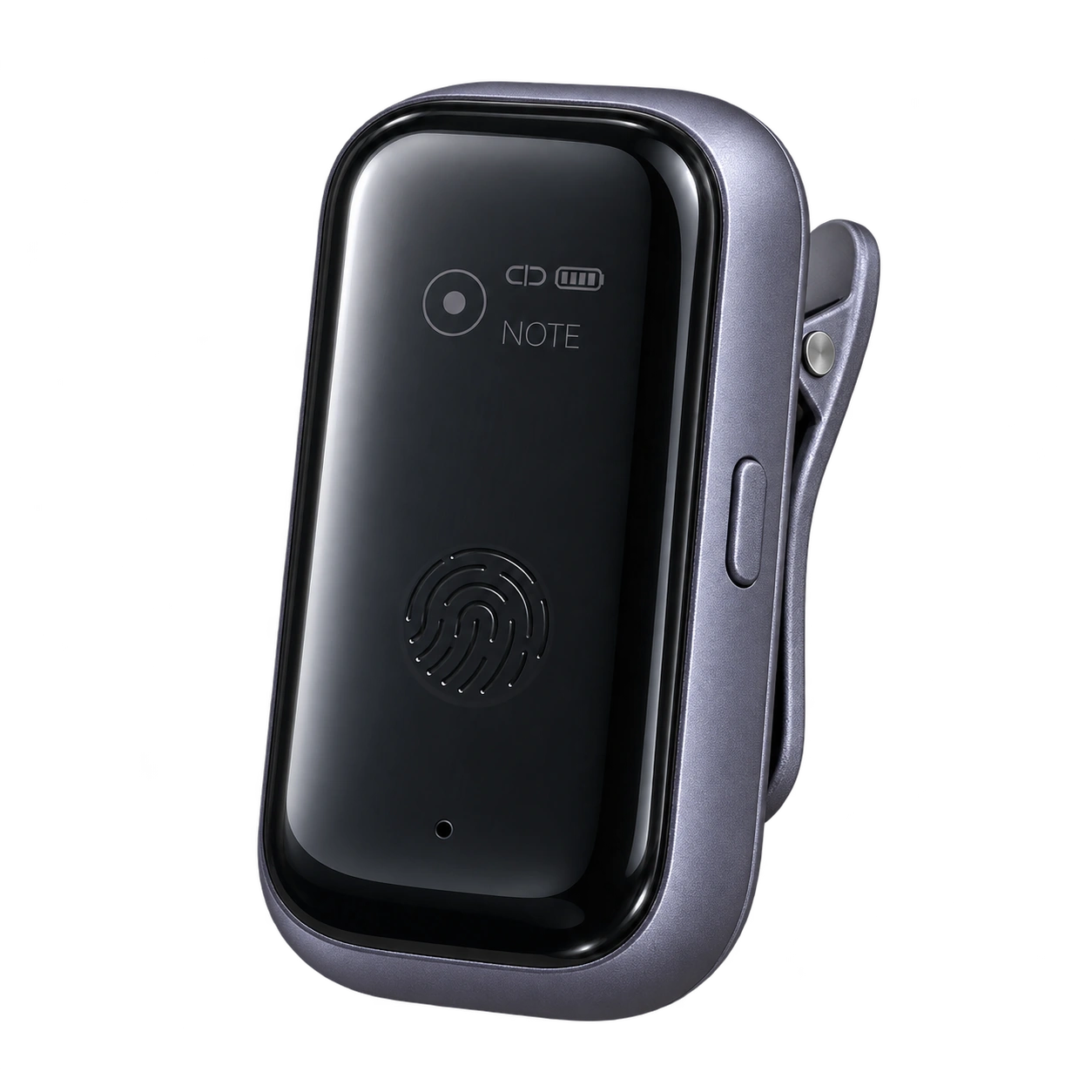
- Clip and record
- Keep observations close
- Transcribe
- Transfer and extract care notes
- Review and save
- Check each note before saving
Care in the moment. Keep the details.
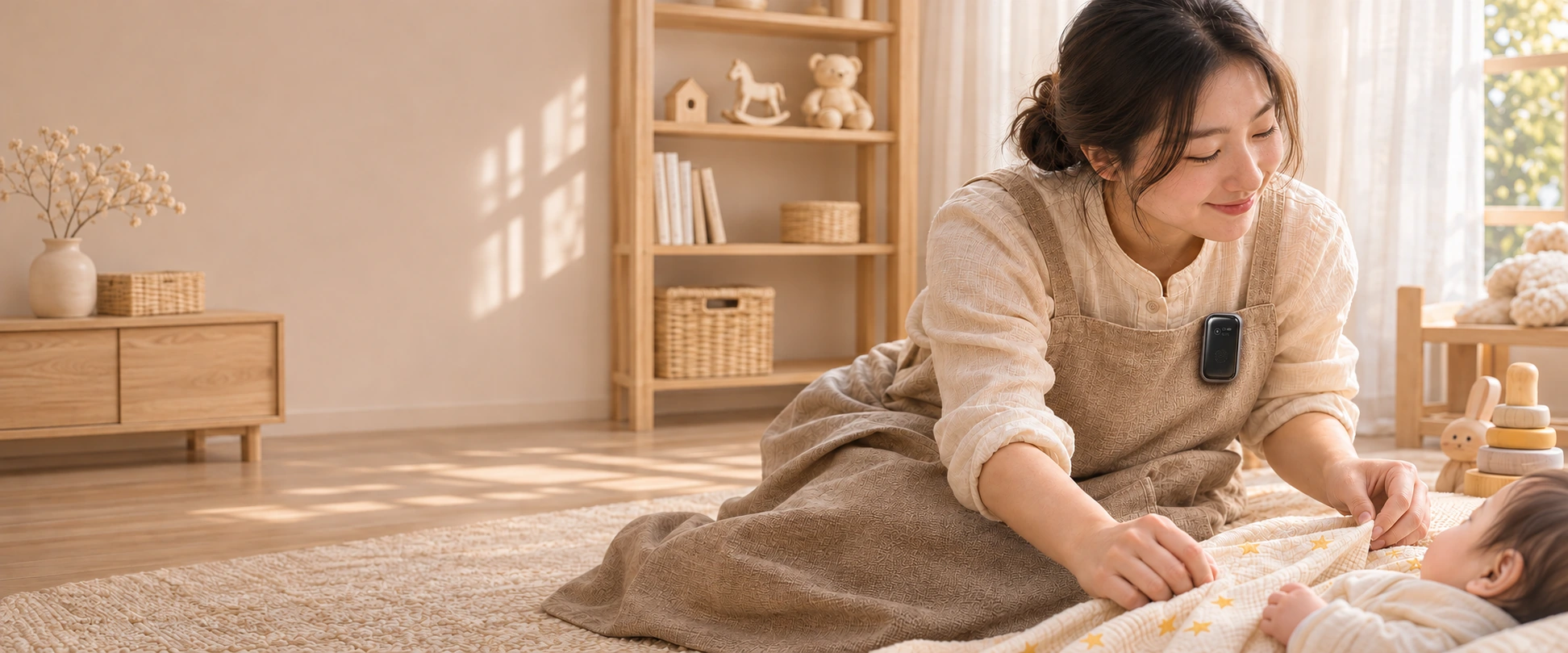
Wear A1 as you work. Keep the observations that matter, and return to them when you have time to review.
Using A1
- 01
Clip on and record
Connect to the Caregiver App and clip A1 to your clothing to record observations and handover details.
- 02
Transfer and transcribe
Transfer audio over Bluetooth or the device hotspot, then start transcription and analysis in the app.
- 03
Review, then save
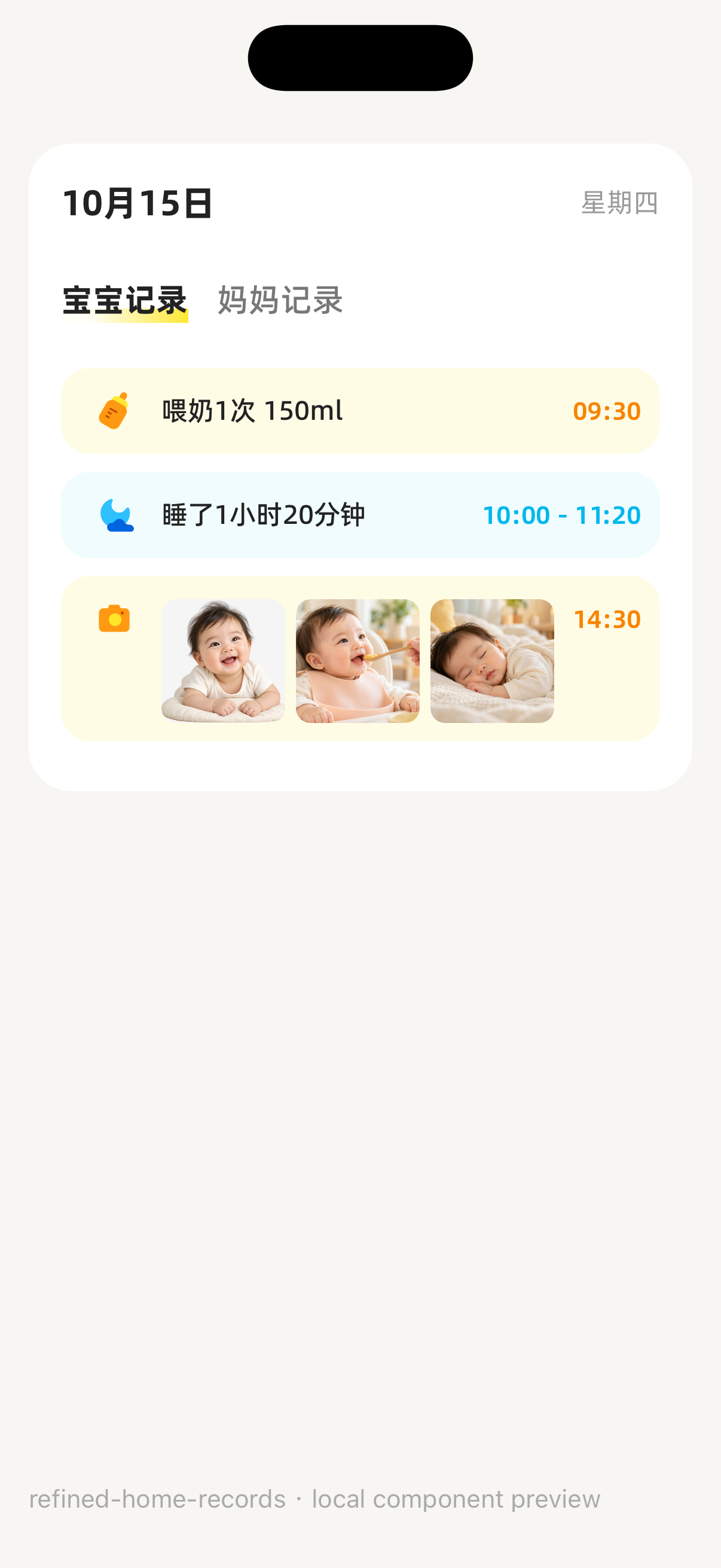
Check extracted care events such as feeds and sleep, add any missing details and confirm each entry.
Your confirmation. Your care record.
Transcription and analysis help organize recorded details. You check the time, event and baby, then save each confirmed entry.
Explore the Caregiver AppQuestions, answered
Does A1 record video?
A1 is an audio recorder for voice notes, file transfer and in-app transcription and analysis. It is not a camera.
Are analyzed records saved automatically?
No. Review the analysis, check the baby, time and event details, then confirm each entry before saving.