
 Maia Nanny
 BabyCare Buddy
M1Early learning kit
Understand their growth. Make play more meaningful.
Follow spoken guidance through activities together. Review the assessment in the app and find age-appropriate play.
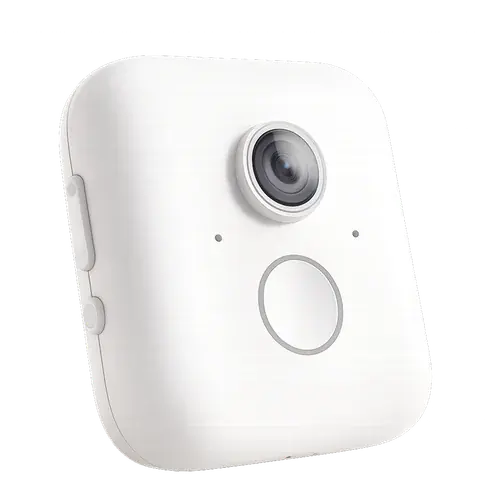
- Guided activities
- Spoken prompts and a live view
- Growth reports
- Review progress over time
- Age-based learning
- Find courses for their age
Discover growth through play.
Set M1 in a familiar activity space and bring guided learning into the time you spend together.
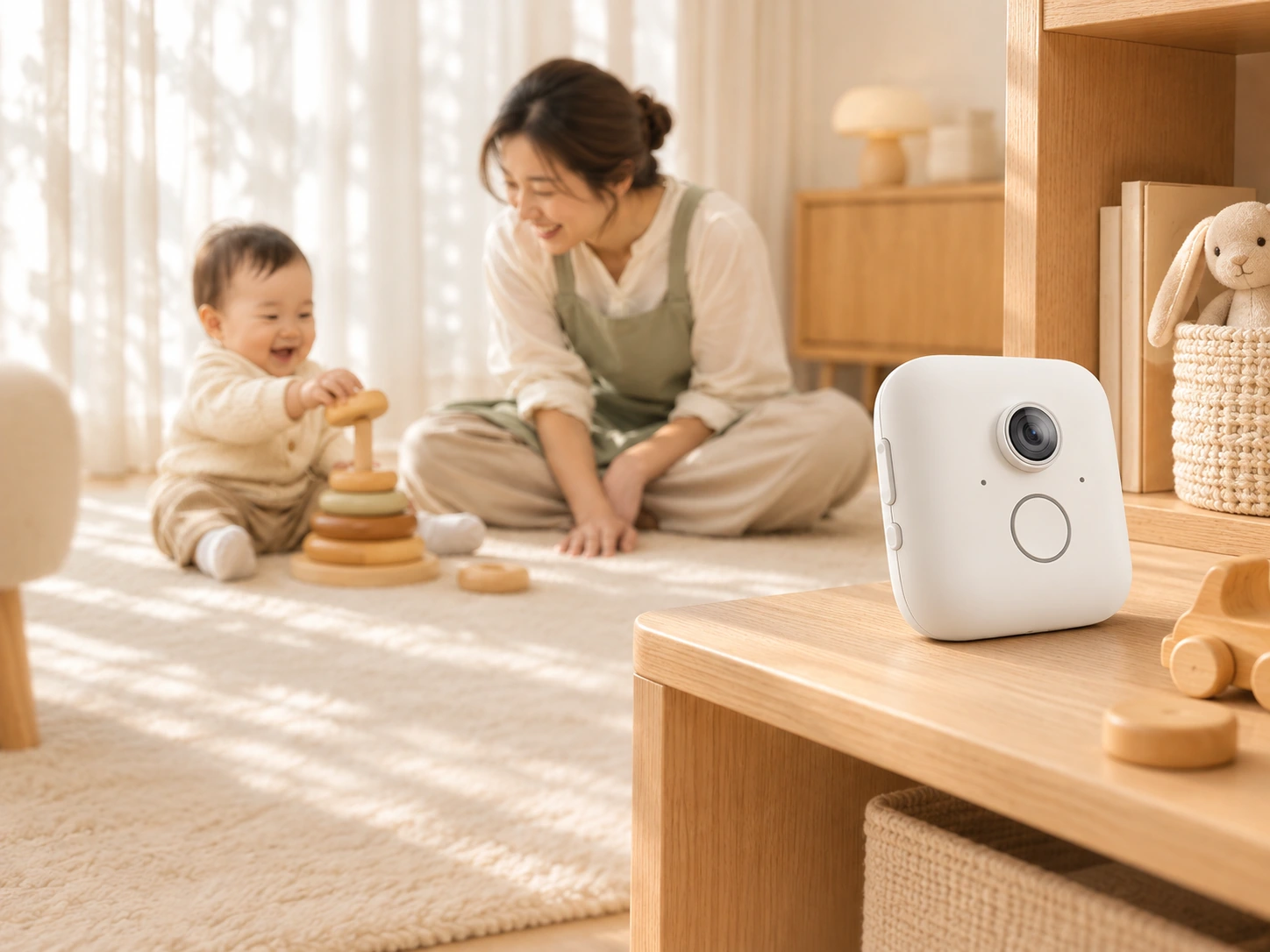
Using M1
- 01
Connect M1
Bind the device in the Maiya app, then follow the connection and setup guidance.
- 02
Follow the guidance
Use spoken prompts and the live view to guide your baby through the activities.
- 03
Review and keep learning
Revisit assessment results and history, then choose activities suited to your baby’s age.
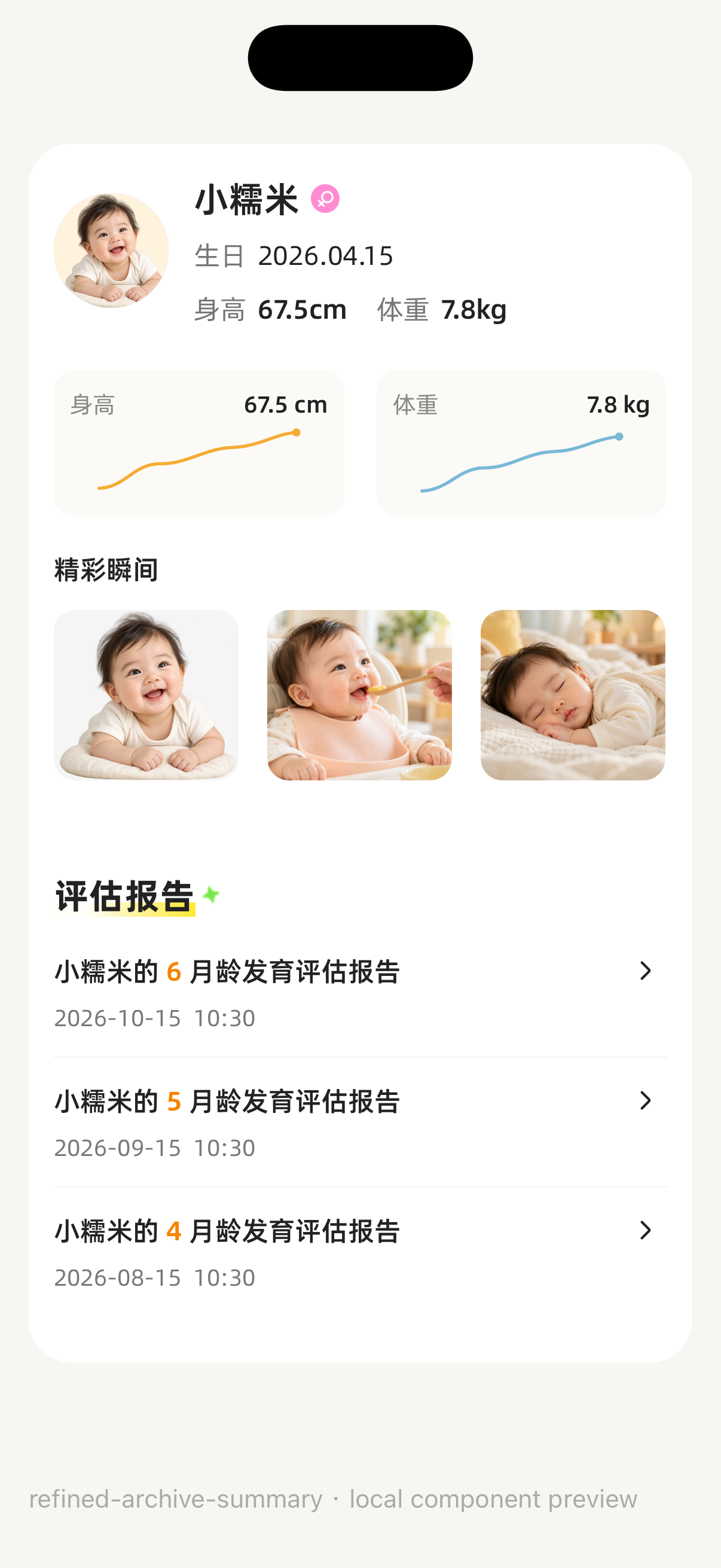
An activity today. A picture over time.
View reports and assessment history in the app, then bring age-appropriate activities into your daily routine. Keep each session connected to your baby’s own growth record.
Explore the Caregiver App